
Migration Planning
An established WooCommerce store is rarely just WooCommerce. It's often a collection of plugins, integrations and custom development that have evolved alongside your business.
You've decided it's time to move away from WooCommerce. Perhaps your store has become difficult to maintain, updates are increasingly risky, or you're spending too much time managing the technology behind your business. Then you start thinking about everything your current store does.
The shipping rules you've refined over the years. The product options that help customers order exactly what they need. Your reviews, wishlists and subscriptions. Not to mention the stock management, fulfilment and accounting systems working behind the scenes.
Suddenly, moving to Shopify feels considerably more complicated than moving your products and customers. The good news is that moving to Shopify doesn't necessarily mean losing the functionality you depend on. But it does mean understanding how that functionality will work on a different platform.
Can you transfer WooCommerce plugins directly to Shopify?
No. WooCommerce plugins are built for WordPress and WooCommerce, so they can't simply be transferred or installed on Shopify. However, that doesn't mean you need to find a direct replacement for every plugin. What matters is the business requirement each plugin supports.
Take a plugin that calculates delivery charges based on product dimensions, destination and the contents of a customer's basket. The important thing isn't preserving that particular plugin. It's ensuring customers are charged correctly and your warehouse can fulfil their orders.
The same applies to product configurators, loyalty schemes, customer-specific pricing and other features you've added over time.
Rather than approaching a WooCommerce to Shopify migration as a plugin replacement exercise, we look at what each feature needs to achieve, how it interacts with the rest of the business and the most appropriate way to support it.

How do we decide what replaces each WooCommerce plugin?
The aim isn't to replace every WooCommerce plugin. It's to find the simplest, most reliable way to deliver the functionality your business actually needs.
There isn't a single approach to replacing WooCommerce plugins, and not every feature will need the same solution. When reviewing your existing functionality, we generally consider four possible approaches. The right choice depends on how important the feature is to your business, how it interacts with other systems and the long-term cost of supporting it.
1. Shopify can handle the requirement natively
Some features that required additional plugins in WooCommerce may already be supported by Shopify. For example, Shopify includes shipping profiles, discount functionality and customer account features that may replace parts of your existing setup.
Where Shopify's native functionality meets the requirement, it's generally worth using it. This reduces your reliance on third-party software and avoids introducing unnecessary complexity.
2. A Shopify app or integration
Shopify has an extensive ecosystem of apps covering everything from product reviews and wishlists to subscriptions, loyalty programmes and advanced shipping. An existing app can often be a more economical solution than developing something from scratch.
But choosing an app isn't simply about finding one that advertises the right features. You need to understand its limitations, recurring costs, compatibility with other systems and whether it can accommodate your existing data.
3. The requirement needs custom development
Some businesses have requirements that can't be met through Shopify's standard functionality or an existing app. This might involve a bespoke product configurator, specialised fulfilment logic or an integration with an operational system.
Custom development can provide greater flexibility, but it also introduces additional costs, testing requirements and ongoing maintenance. It's important to establish whether that investment is commercially justified before committing to the build.
4. The functionality can be simplified or retired
Not every plugin you've accumulated over the years needs replacing. Some may support processes that are no longer relevant. Others might duplicate functionality available elsewhere or exist because of limitations in the original WooCommerce setup.
A migration provides an opportunity to review these dependencies and remove unnecessary complexity rather than carrying it into your new store. The objective isn't necessarily to eliminate every app or avoid custom development. It's to find the right balance between functionality, reliability and cost.
What happens to complex product options and custom purchasing journeys?
Complex product options should not need a complex purchasing experience. The goal is to make it easier for customers to get exactly what they need.
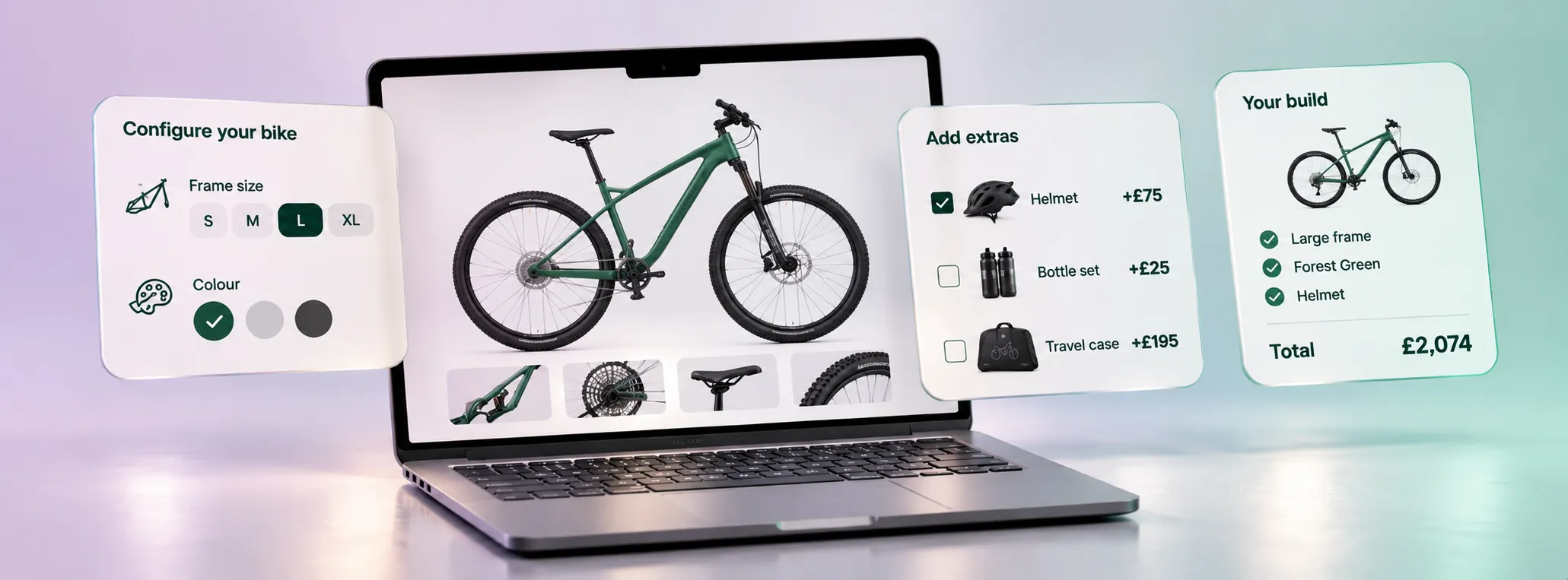
Product configuration is one of the areas where simply matching plugins can lead to the wrong solution. A WooCommerce store might use several plugins to manage product options, conditional fields, additional charges and personalised information.
But those plugins are often working together to support a single purchasing journey. The question isn't how many plugins we need to replace. It's how the customer should configure and purchase the product.
Buxumbox: rebuilding the purchase experience, not the plugin stack
When we migrated Buxumbox from WooCommerce to Shopify, their existing store relied on more than 40 plugins. The business sells made-to-order travel boxes for bikes, with customers selecting everything from box dimensions and axle mounts to finishes, colours, accessories and personalised details.
The original buying journey presented customers with a long list of options, making it difficult to understand which choices were relevant and how they affected the final price. Rather than attempting to reproduce the existing plugin setup, we rebuilt the product configuration experience around the customer's decisions.
Customers now work through a guided sequence, with relevant options appearing at the appropriate stage, additional costs clearly communicated and their final configuration summarised before adding to cart.
Behind the scenes, the solution combines Shopify variants with line item properties to support configurations that couldn't be handled through variants alone. We also needed a tailored shipping solution because international delivery costs varied according to the product configuration.
The end result was a simpler purchasing experience without removing the product choices customers needed. The business also reported fewer enquiries around product-options and more customers completing orders independently.
Can Shopify continue working with your stock and fulfilment systems?
For established merchants, the systems behind the storefront can be more important than the storefront itself. Your WooCommerce store might connect to warehouse management software, an ERP, accounting tools, marketplaces or third-party fulfilment providers.
These systems don't automatically need replacing when you migrate to Shopify. But their connections do need assessing.
We need to understand which system controls stock, how orders are passed between platforms, what happens when an order changes and how exceptions are handled. A connector that appears suitable on paper may not support every part of your existing workflow.
ToyStreet: keeping complex operations working
Our ToyStreet WooCommerce to Shopify migration involved more than 40,000 products, with StoreFeeder integration and bespoke shipping requirements forming part of the project. The solution needed to account for product data, stock availability, SKU matching and fulfilment workflows, while also supporting delivery rules for different combinations of products.
For eligible UK mainland orders containing both next-day products and items with longer lead times, we implemented a split-shipping solution using a checkout delivery option and a custom app.
This allows eligible items to be separated into a linked order so available products can be dispatched sooner, without requiring customers to place separate orders. It demonstrates why an integration needs to be assessed as part of the wider operation, rather than treated as a connection between two pieces of software.
If you're concerned about whether your existing plugins, integrations or operational systems can work with Shopify, our WooCommerce to Shopify migration service is designed to help you assess those requirements before committing to a new build.
What happens to reviews, wishlists and customer data?
Recreating a feature is only half the challenge. You also need to consider what happens to the customer data, history and information it holds.
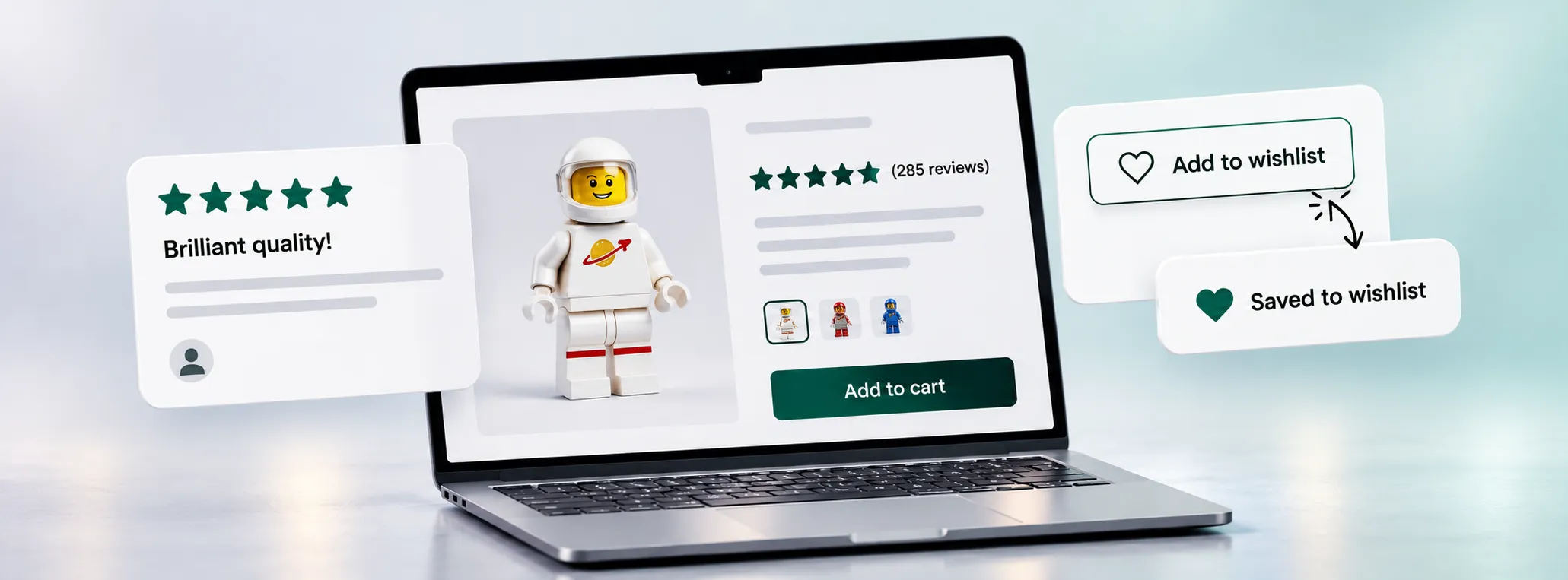
One distinction that's easily overlooked during migration is the difference between recreating a feature and transferring the data it holds. You might find a suitable Shopify reviews app, but that doesn't automatically mean your existing reviews can be imported.
Likewise, implementing a new wishlist feature doesn't guarantee customers will retain the products they've previously saved. These are separate requirements, and both need investigating.
For Zatu Games WooCommerce to Shopify Migration, we incorporated REVIEWS.io into the new storefront and retained existing product reviews. We also implemented Swish wishlists, with the solution supporting the import of existing wishlist data. Other information needs similar consideration:
- Customer accounts: Customer records can be migrated, but login arrangements and the experience of accessing an account may change.
- Loyalty and reward points: Existing balances, earning rules and redemption history need checking against the proposed solution.
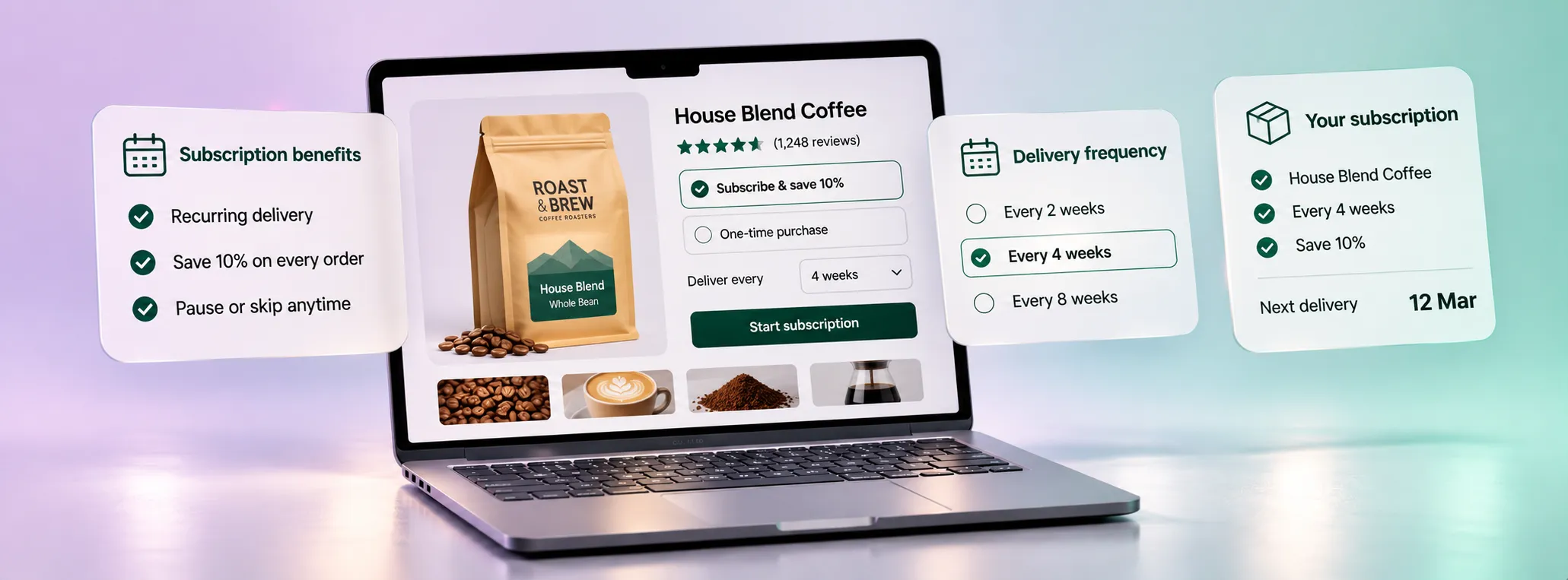
- Subscriptions: Active agreements, renewal dates and saved payment methods require particular care.
- Custom product data: Information stored in plugin-specific fields may need restructuring before Shopify can use it.
For subscriptions especially, don't assume that importing customer records is enough. Transferring active agreements and saved payment methods can depend on your existing payment provider and subscription setup. The first step is identifying where the information currently lives, who owns it and whether the proposed Shopify solution can accept it.
What if your WooCommerce store has unusual payment or subscription requirements?
Some of the most important migration decisions happen around the purchase process itself. Our Careline365 migration is a useful example.
Careline365 operates a complex subscription business providing personal care alarm services. Its migration to Shopify Plus required us to consider per-item VAT exemptions, subscriptions involving Direct Debits, complex product bundling and integrations with existing operations.
These weren't requirements that could be assessed by looking at a list of Shopify features. We needed to understand how customers purchased the service, how payments were handled and how the new store would support the business behind those transactions.
The project involved custom development and payment integrations, alongside work to simplify the purchasing journey. For businesses with recurring payments or specialist purchase requirements, this is where early technical validation becomes particularly important.
How do you know whether Shopify can support your requirements before committing?
You shouldn't need to commit to a full Shopify build before discovering whether a critical part of your business can work. We recommend identifying your most complex or commercially important requirements early, then validating them before finalising the project scope.
That might mean testing a product configurator using real product combinations, checking shipping calculations against representative orders, or confirming how stock updates and fulfilment instructions will move between systems. For each critical requirement, establish:
- What needs to happen? Define the expected behaviour, including exceptions.
- What are the available solutions? Compare Shopify functionality, existing apps and custom development.
- What are the limitations? Check plan restrictions, compatibility, data access and operational compromises.
- What will it cost to maintain? Consider app subscriptions, development, support and future changes.
- How will we prove it works? Agree realistic test scenarios and acceptance criteria.
Shopify plan selection can affect the options available. For example, some advanced shipping functionality and checkout customisations depend on the plan and technical approach being used.
You also need to consider the possibility that a requirement cannot be supported satisfactorily.
If a critical workflow depends on behaviour Shopify doesn't permit, or the only viable workaround introduces unacceptable cost or operational risk, remaining on WooCommerce or considering another platform may be the better decision.
A migration should solve problems, not exchange them for more expensive ones.
What should you prepare before discussing a WooCommerce to Shopify migration?
You don't need a detailed technical specification to start the conversation. But a simple inventory of your existing plugins and custom features can make the initial assessment considerably more productive. For each plugin or custom feature, try to identify:
- What it does: The name of the plugin or feature and the functionality it provides.
- Why it's needed: The business requirement it supports and what would happen if it stopped working.
- Who uses it: Whether it's customer-facing or used internally by your team or external partners.
- What data it stores: Such as customer information, product configurations, reviews or transaction history.
- What it connects to: Any external software, services or other plugins it relies on.
- How important it is: Whether the feature is essential, useful but not critical, or potentially obsolete.
You don't need to resolve these questions yourself before speaking to an agency. Even an incomplete inventory provides a useful starting point for discussing what needs to be retained, which features could be improved and where further technical investigation might be necessary.
Your WooCommerce functionality doesn't need to hold you back
Years of plugins, integrations and custom development can make moving away from WooCommerce feel daunting. But they shouldn't automatically prevent you from exploring a better way to run your store.
At Inspira, we've helped established WooCommerce merchants move complex catalogues, purchasing journeys and operational requirements onto Shopify. We also know that the right decision starts with understanding the business, not assuming the platform is suitable.
If you're considering a move, explore our WooCommerce to Shopify migration service.
Or book a free migration audit to discuss your catalogue, existing functionality and integrations. We'll help you identify the main considerations, potential risks and whether Shopify looks like a suitable fit.
Where more detailed investigation is needed, a separate paid discovery and technical validation phase can establish the solution, scope and costs before committing to a full migration.